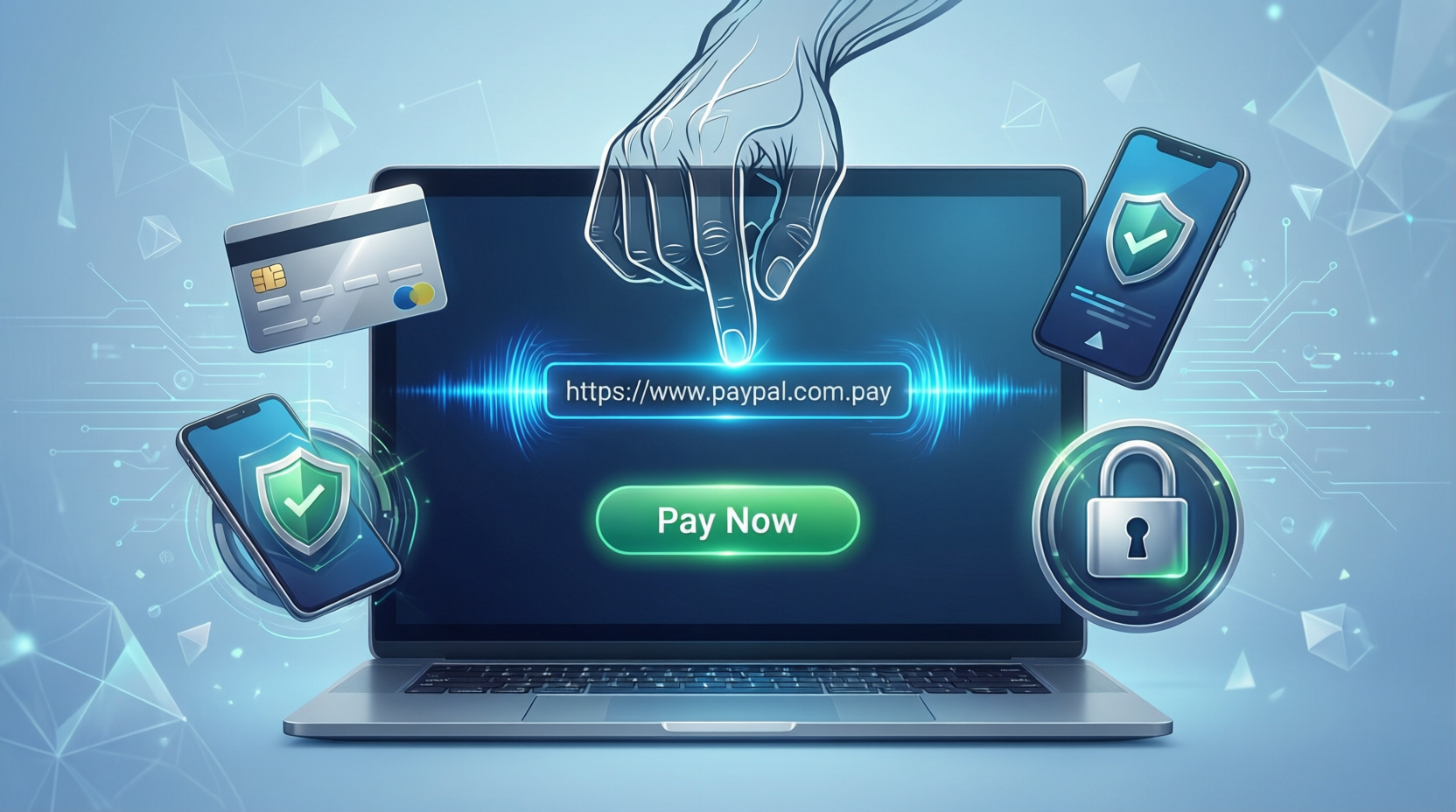
One of the most effective ways to streamline your payment collection process is by generating PayPal links that allow customers to pay you directly without the need for complex checkout systems. Whether you're a freelancer, small business owner, or entrepreneur, understanding how to create and share PayPal links can significantly improve your payment workflow and customer experience.
What is a PayPal Link and Why Do You Need One?
A PayPal link is a unique URL that directs your customers to a payment page where they can complete transactions quickly and securely. Instead of manually requesting payment information or setting up complicated payment systems, you can simply share a link that handles the entire process.
Key Benefits of Using PayPal Links:
Creating PayPal links offers numerous advantages for your business. They eliminate the need for customers to memorize complex payment details or account information. The process is faster, more professional, and reduces payment friction significantly. Additionally, PayPal's built-in security features protect both you and your customers from fraud and unauthorized transactions. PayPal links also provide automatic receipts and transaction records, making accounting and bookkeeping considerably easier.
Methods to Generate PayPal Payment Links
1. Using PayPal's Native Tools
PayPal provides several built-in methods for generating payment links directly through your account. You can access the "Tools" section in your PayPal account dashboard and create what's known as a "PayPal.me link" or use their button and link generator. This method is straightforward and doesn't require any third-party tools, making it ideal for beginners.
2. PayPal.me Links
PayPal.me is the simplest option available. Once you create your PayPal.me account link (usually yourname.paypal.me), you can append the amount directly to the URL. For example: yourname.paypal.me/150 creates a link for a $150 payment. You can share this in emails, on social media, or through messaging apps.
3. Using Online Payment Link Generators
For more advanced customization and additional features, consider using dedicated payment link generator tools. These platforms often provide enhanced functionality beyond what PayPal offers natively. One excellent resource is AIWebTools.Digital, which hosts over 1,080 free online tools including PayPal Link Generator and other payment-related utilities.
These generators typically allow you to customize payment amounts, add descriptions, set currency preferences, and generate professional-looking payment links suitable for business use. Some platforms also offer analytics tracking, allowing you to monitor which customers clicked your links and when transactions were completed.
Step-by-Step Guide to Creating a PayPal Link
Step 1: Access PayPal Tools Log into your PayPal account and navigate to the Tools section. Look for options related to payment buttons or links.
Step 2: Choose Your Payment Type Select whether you want to create a standard payment link, a subscription link, or a donation link. Each serves different business purposes.
Step 3: Configure Payment Details Enter the payment amount, description of what's being paid for, currency type, and any additional customization options available.
Step 4: Generate Your Link Click the generate button to create your unique PayPal payment link. You can usually customize the link appearance if using advanced tools.
Step 5: Copy and Share Copy the generated link and share it with your customers via email, messaging apps, or embed it on your website.
Free Online Tools for PayPal Link Generation
Beyond PayPal's native offerings, several excellent free online tools can enhance your payment link experience. Platforms like AIWebTools.Digital provide comprehensive collections of payment and business tools. This massive resource library, featuring over 1,080 different tools, includes specialized payment link generators that offer additional features such as custom branding options, detailed analytics, and advanced payment tracking.
Other complementary tools available on such platforms include invoice generators, payment calculators, currency converters, and QR code generators for payment links. These integrated solutions allow you to create a complete payment ecosystem without investing in expensive software.
Best Practices for PayPal Links
Security Considerations: Always ensure you're using official PayPal tools or verified third-party services. Never share your PayPal credentials with third-party applications unless absolutely necessary.
Link Customization: Make your payment links descriptive. Include what the payment is for so customers understand exactly why they're being asked to pay.
Mobile Optimization: Test your PayPal links on mobile devices before sharing widely. Most customer payments now occur on smartphones, so mobile functionality is crucial.
Link Tracking: Use tools that provide analytics and tracking capabilities. Understanding customer behavior and payment completion rates helps optimize your collection strategy.
Professional Presentation: Whether you're using a PayPal.me link or a custom generator, ensure your payment requests look professional and trustworthy.
Common Challenges and Solutions
Many users struggle with sharing payment links effectively. The solution is choosing a platform that provides clear, professional-looking links. Others worry about security—this is addressed by using PayPal's built-in protections and verified third-party tools.
Some businesses find managing multiple payment links confusing. Organized naming conventions and documentation systems resolve this issue. Others lack analytics capabilities—using advanced generators from platforms like AIWebTools.Digital provides comprehensive tracking and reporting features.
Conclusion
Generating PayPal payment links is a straightforward yet powerful way to improve your payment collection process. Whether you choose PayPal's native tools or leverage the advanced features of specialized generators from platforms like AIWebTools.Digital, you're taking an important step toward modernizing your business operations.
The combination of PayPal's security infrastructure and user-friendly link generation tools makes accepting payments online accessible to businesses of all sizes. Start generating your first payment link today and experience the convenience and professionalism that streamlined payment collection brings to your business.
FAQs
Q1: Are PayPal payment links safe to use? Yes, PayPal payment links are highly secure. They use encrypted connections and PayPal's fraud detection systems to protect both parties. However, always generate links through official PayPal channels or verified third-party tools to avoid scams.
Q2: Can I change the payment amount after generating a PayPal link? With PayPal.me links, you can specify the amount each time you share the link. However, with standard PayPal payment buttons, the amount is typically fixed. Using flexible generators allows you to create adjustable amount links for greater flexibility.
Q3: Do I need a business account to generate PayPal payment links? No, you can create PayPal payment links with a standard personal account. However, business accounts offer additional features and credibility that may be beneficial for professional use.
Q4: How long does it take for payments to appear in my PayPal account after a customer uses my link? Payments typically appear instantly in your PayPal account once completed. However, if you're withdrawing funds to a bank account, that process usually takes 1-3 business days depending on your bank.
Q5: Can I customize the appearance of my PayPal payment links? Yes, advanced tools like those found on AIWebTools.Digital allow significant customization including custom branding, colors, and descriptions. PayPal's native tools offer basic customization options, while third-party generators provide more extensive personalization capabilities.